Ship work.
Onboard clients.
Let agents do the rest.
TeamFlow is one workspace for issues, docs and client portals — with AI teammates that triage, build, and ship alongside your team.
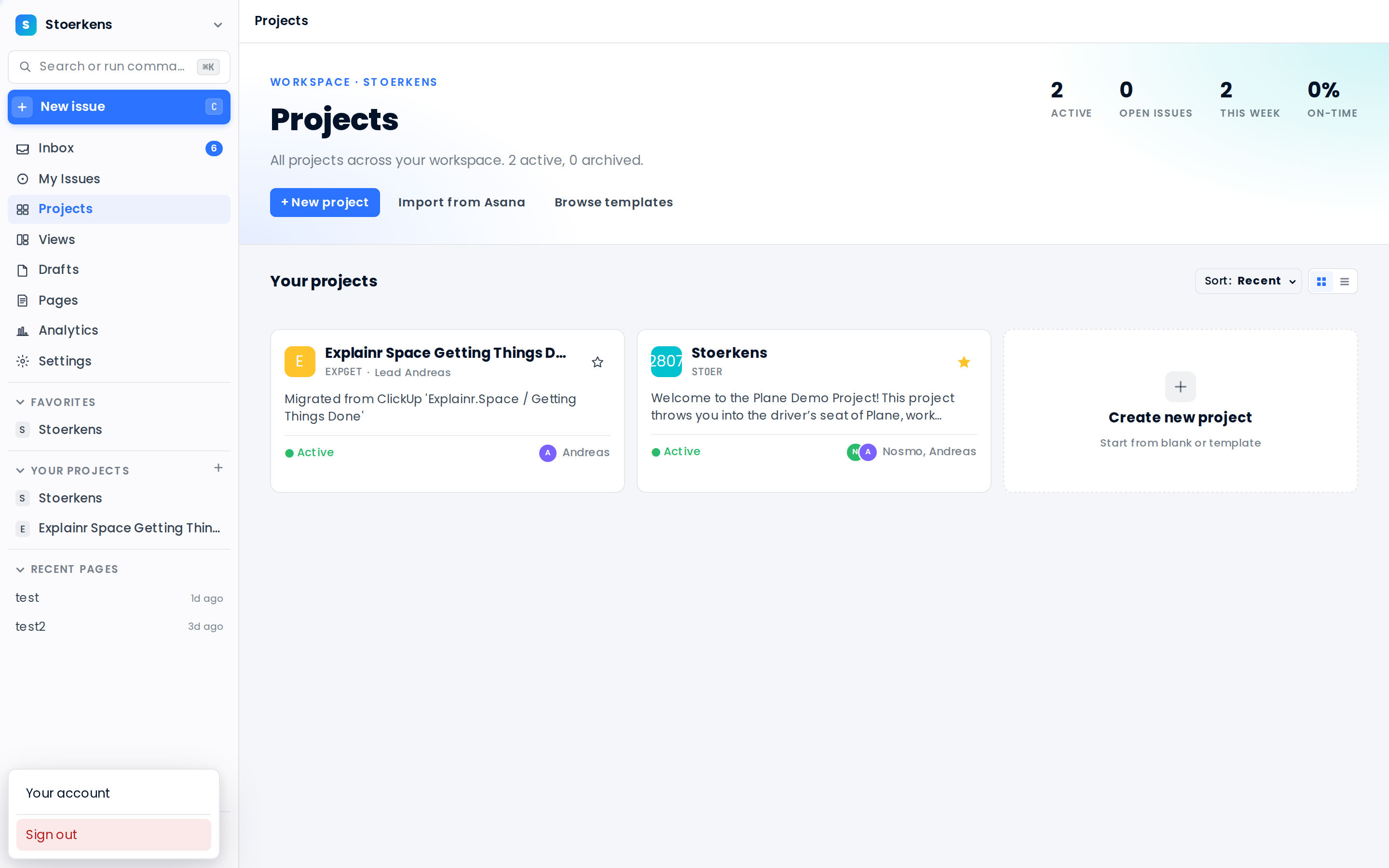
Four products, one workspace
Everything is scoped to a workspace — and everything talks to everything. No bouncing between tools, no copy-paste between systems.
Project management
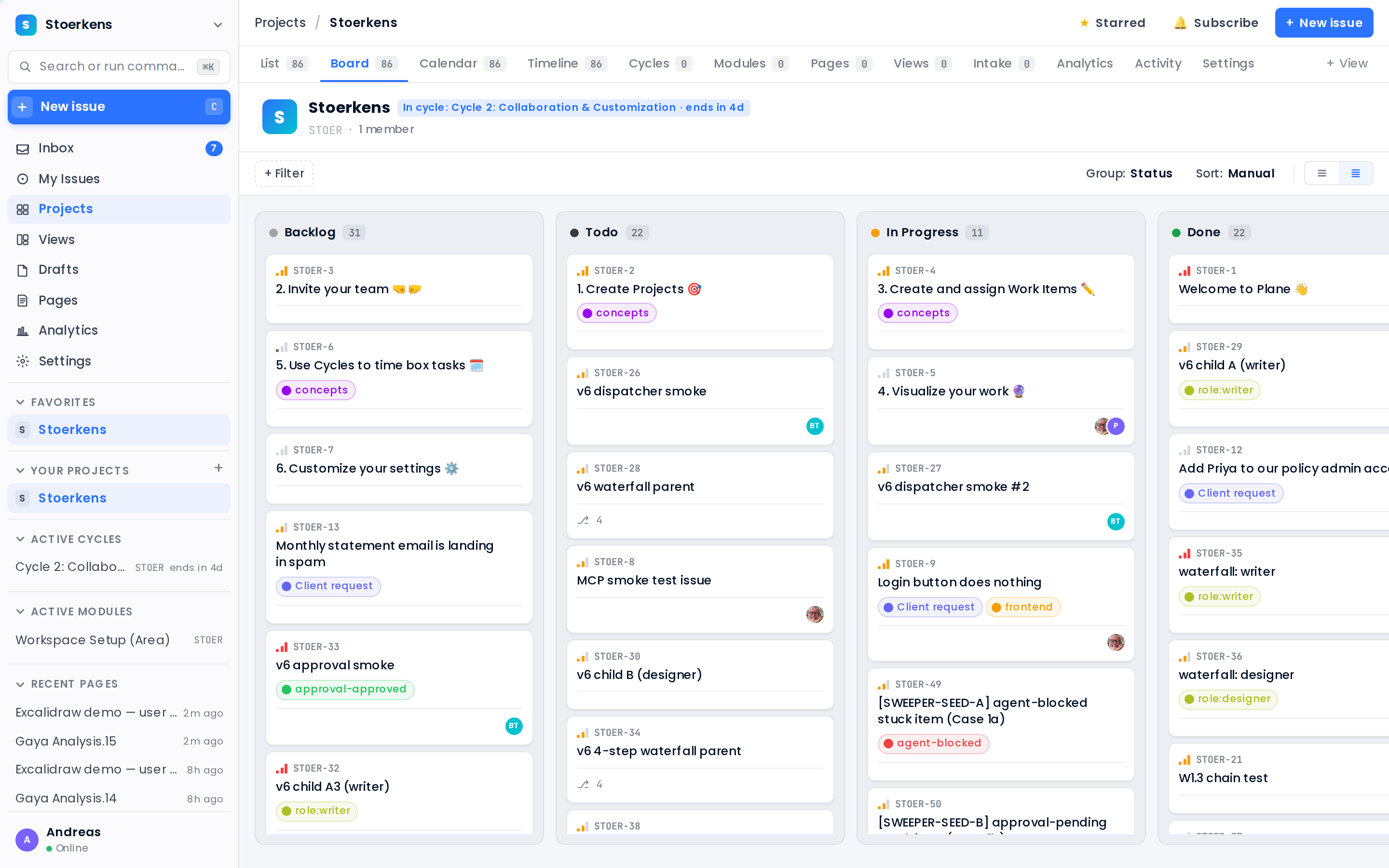
Issues, cycles, modules, initiatives across list, board, calendar & timeline.
Docs & wiki
A live, linked knowledge base with rich pages, diagrams and work-item embeds.
Client portals
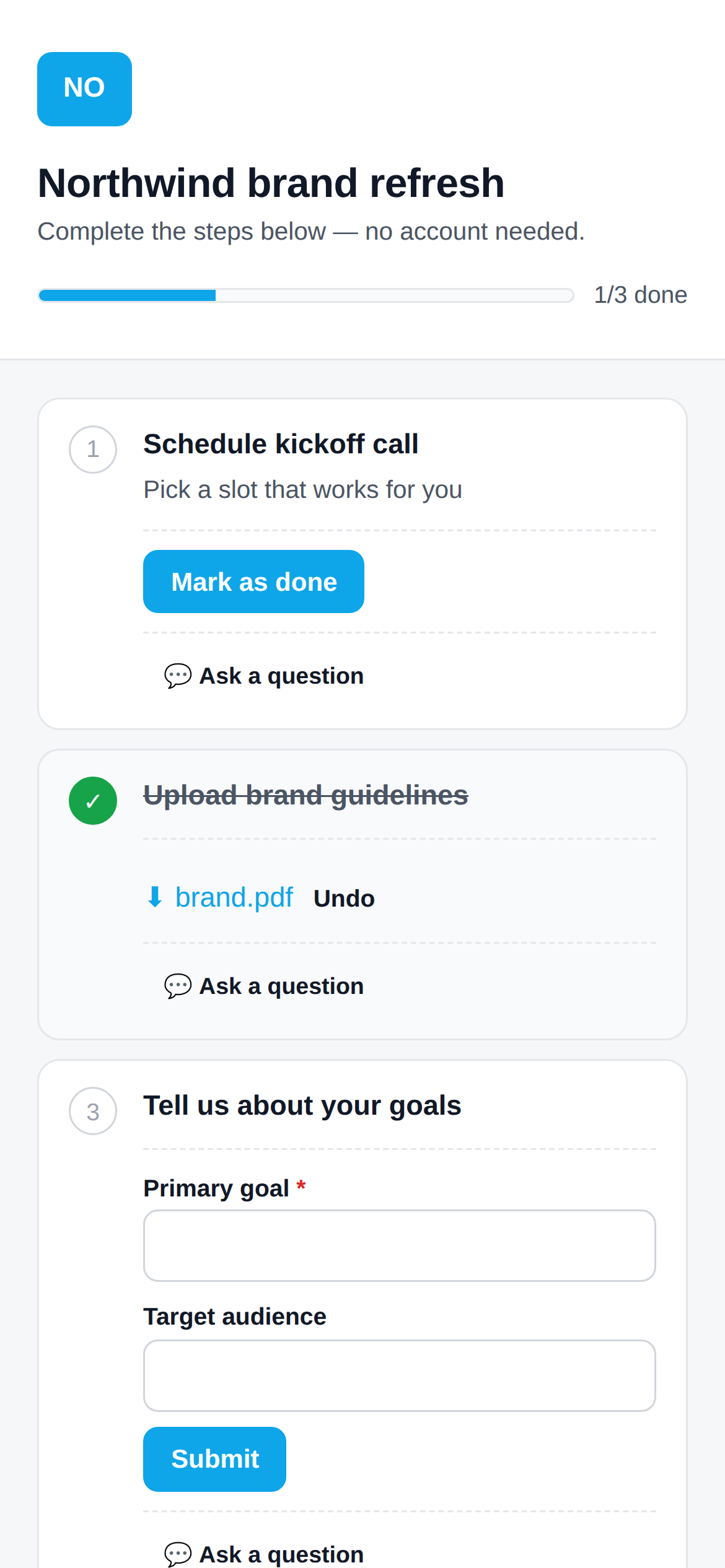
Magic-link onboarding + a branded support desk your customers actually use.
AI agents
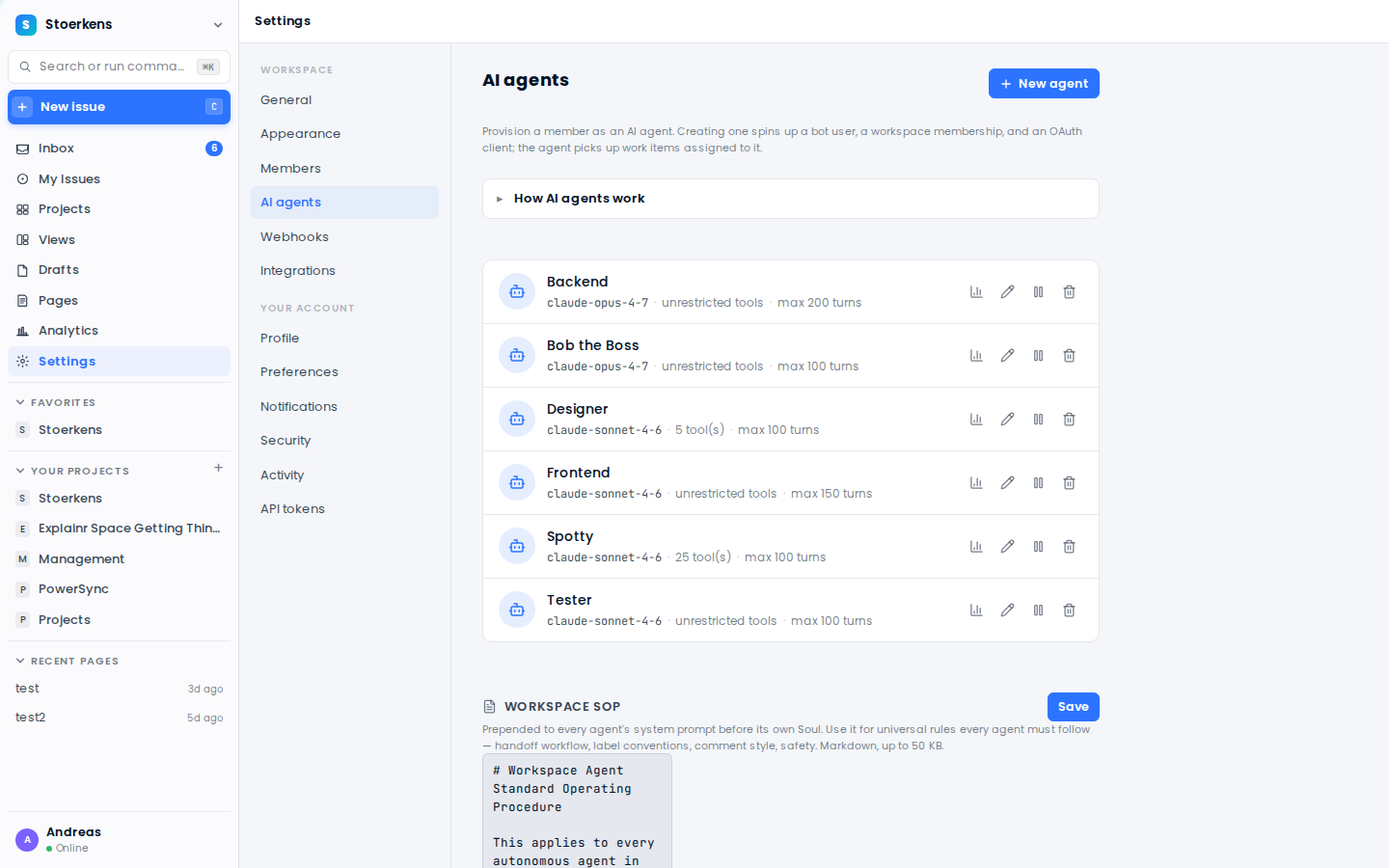
Real teammates that pick up work, build, review and hand off — governed by you.
Slack & MCP
Two-way Slack sync and a ~180-tool MCP surface to wire in anything.
Mobile
Clients pick up their onboarding and file requests from any phone.
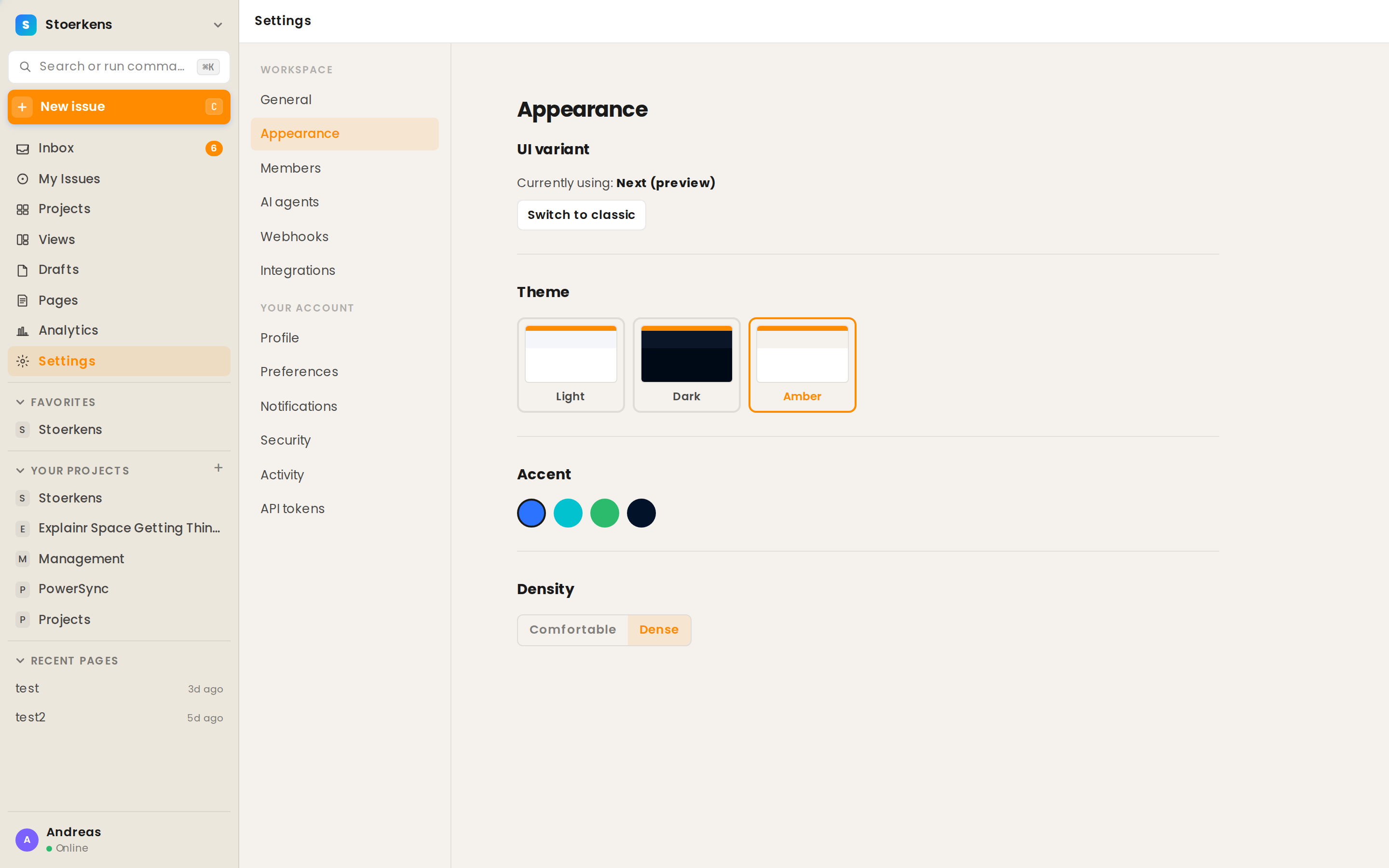
Govern the whole platform
- Members & roles — invite, scope, and permission every workspace.
- AI governance — a shared Soul/SOP, per-agent budgets, and layered kill switches (workspace → project → agent → skill).
- Skill & MCP registries — install a playbook or an MCP server once, enable it per agent.
- Cost in the open — every agent run is metered, attributed, and capped.
Workspace Settings → AI agents: roster, skill library, MCP-server registry, Workspace SOP.
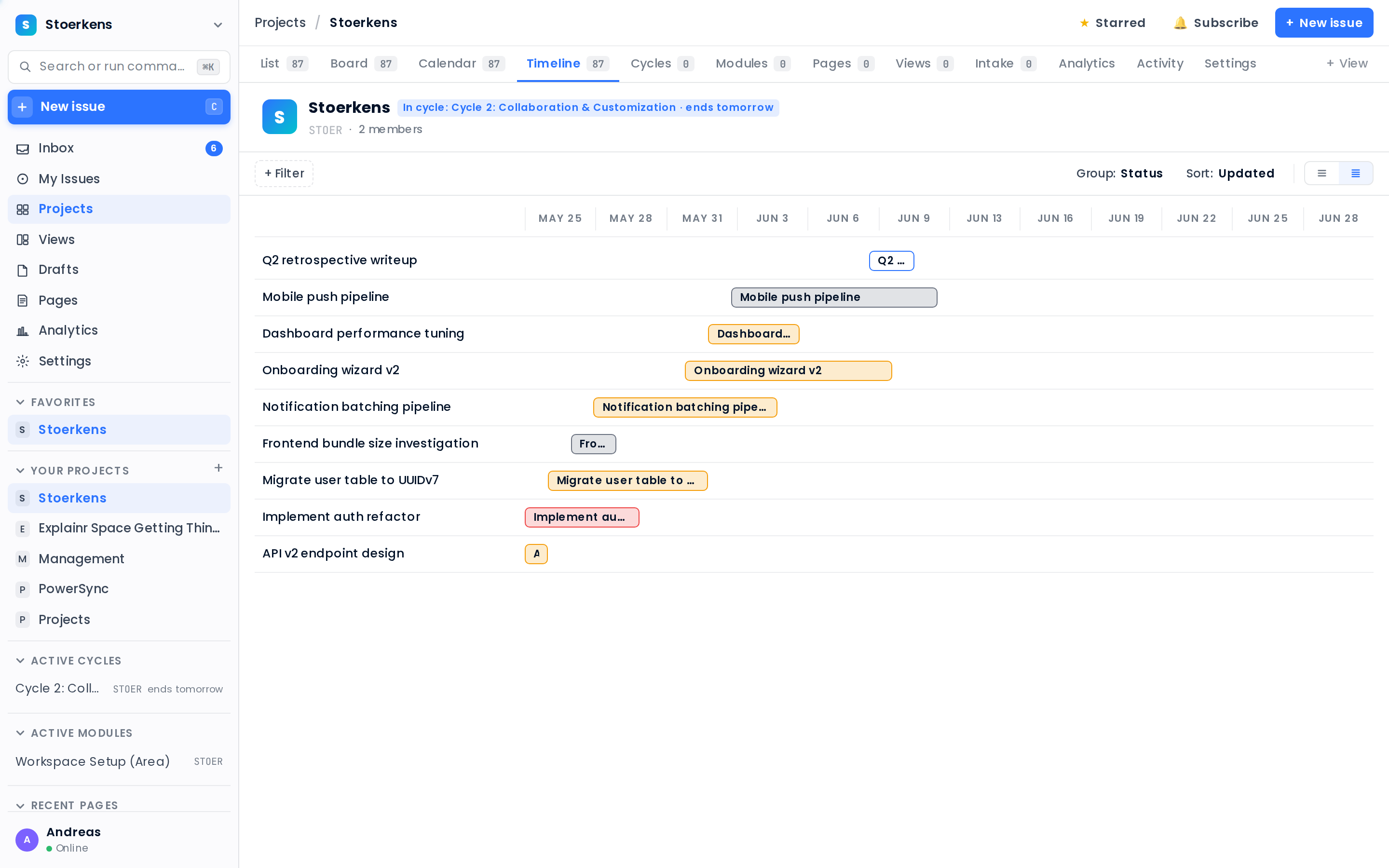
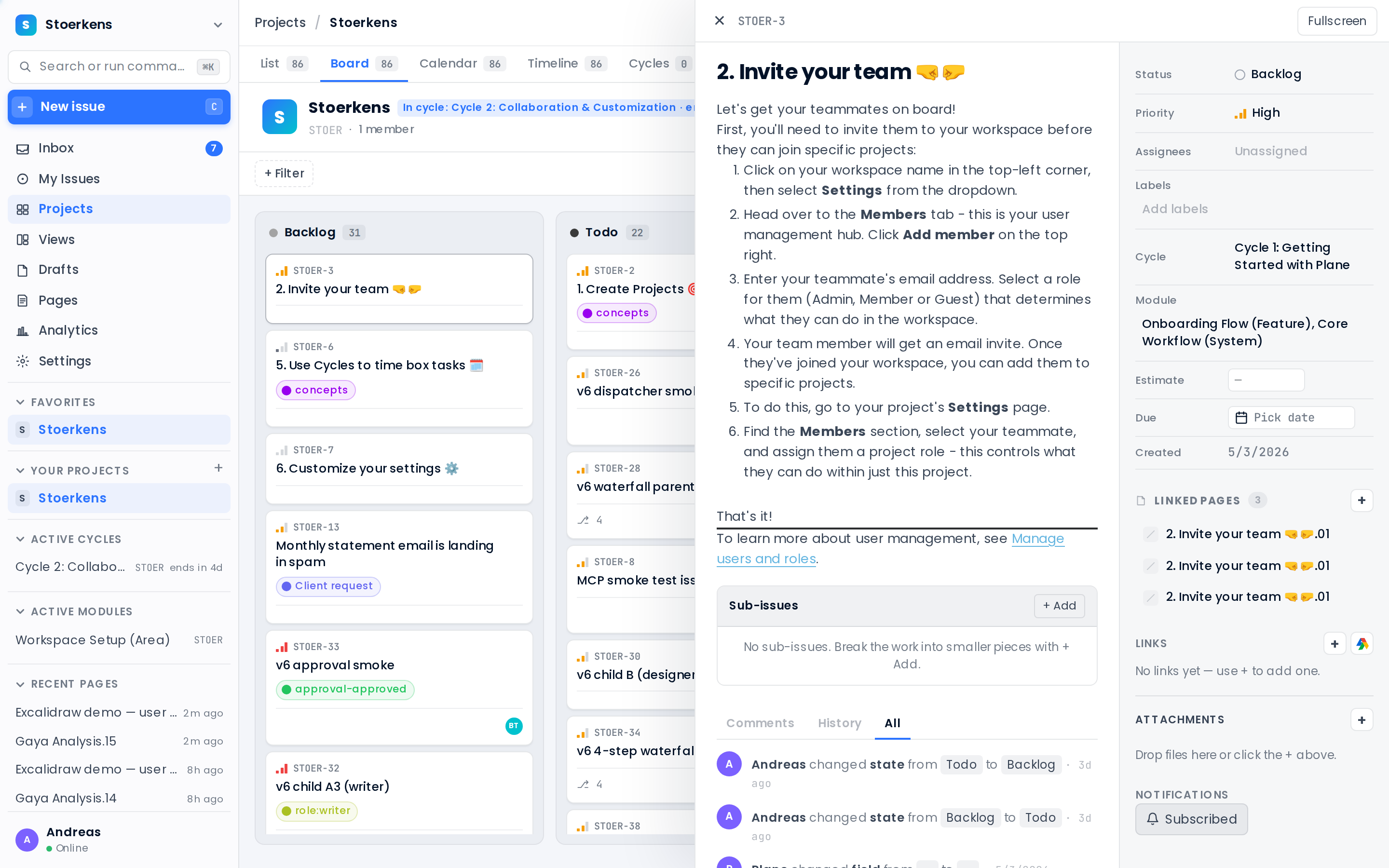
Plan & ship at keyboard speed
- One keystroke for everything — ⌘K palette, C quick-create, g-nav, no full reloads.
- Four layouts, one dataset — list, board, calendar, timeline.
- A rich task drawer — properties, sub-issues, links, activity and a live comment thread.
Coworkers, not chatbots
Assign an agent to a work item like any teammate. It reads the context, does the work on its allowed tools, posts one structured outcome, and hands off.
- Build HubSpot apps — agents drive the HubSpot MCP to scaffold, validate and deploy projects.
- Ship features — a TeamFlow-skilled "Ada" agent edits code, runs tests, opens a PR — and waits for human review.
- Run marketing — a marketing agent turns a launch brief into landing copy, a content calendar and scheduled posts.
- Review contracts — a legal agent reads an uploaded NDA or MSA, flags risky clauses and drafts redlines for sign-off.
- Safe by design — destructive actions need explicit approval; budgets & kill switches always apply.
# Cycle outcome: blocked — awaiting approval (by design)
What I did — investigated via get_workspace_members; no
matching user found. No mutation performed.
What's next — needs an explicit "approved to remove"
from an admin before I touch a real account.
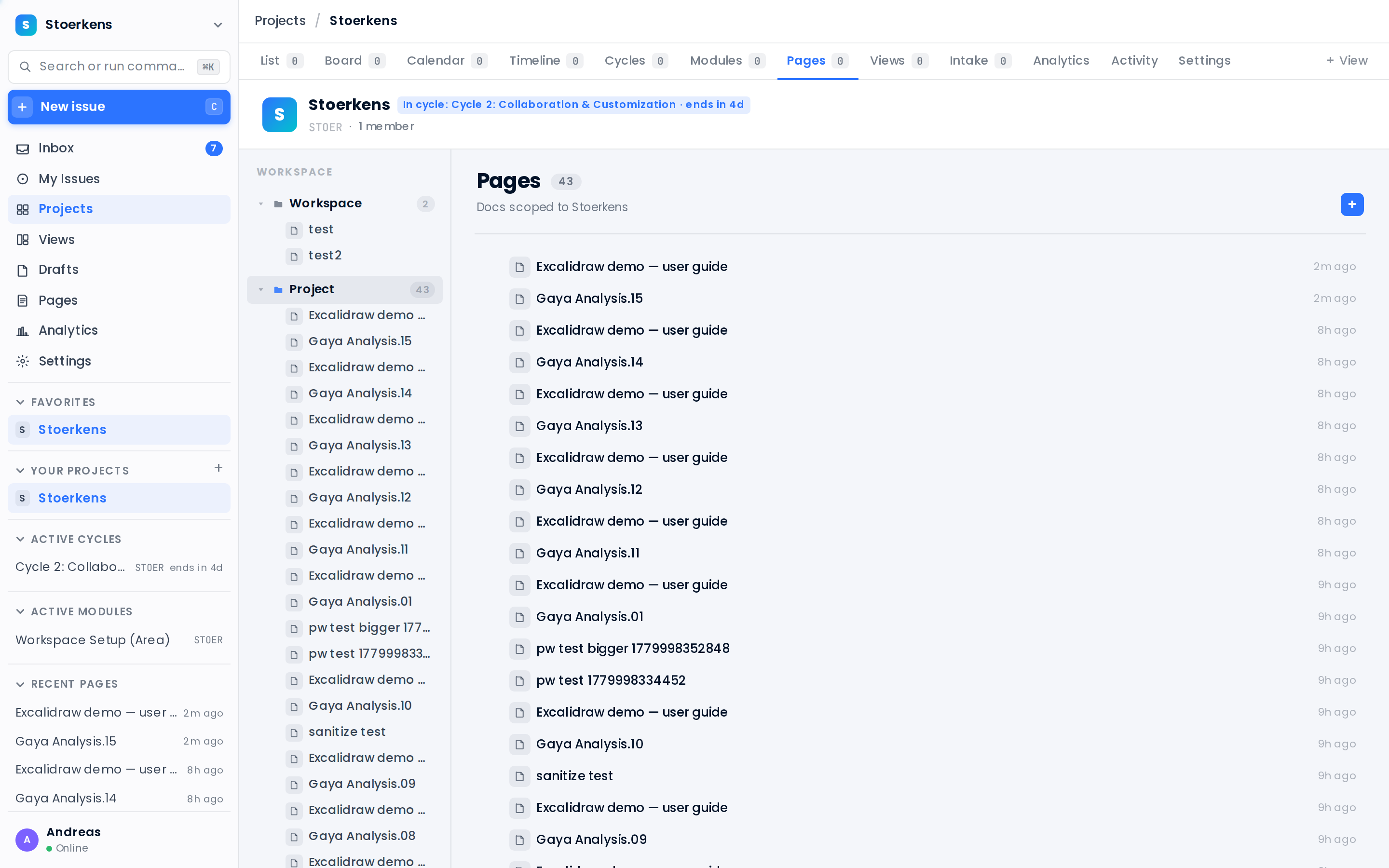
A knowledge base that links back
- Nested pages for the whole workspace and per project.
- Rich editor — headings, lists, embeds, diagrams, and work-item references.
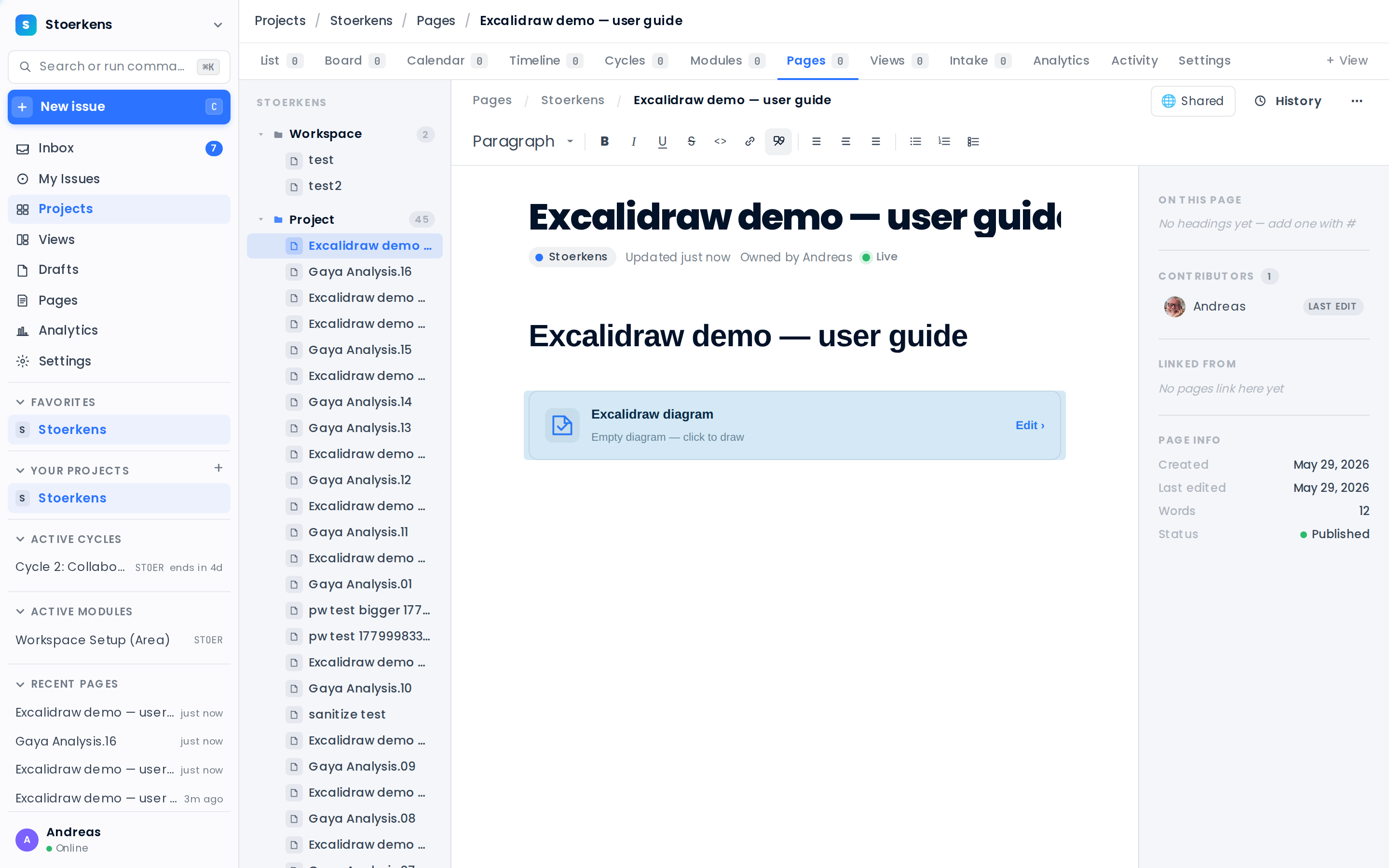
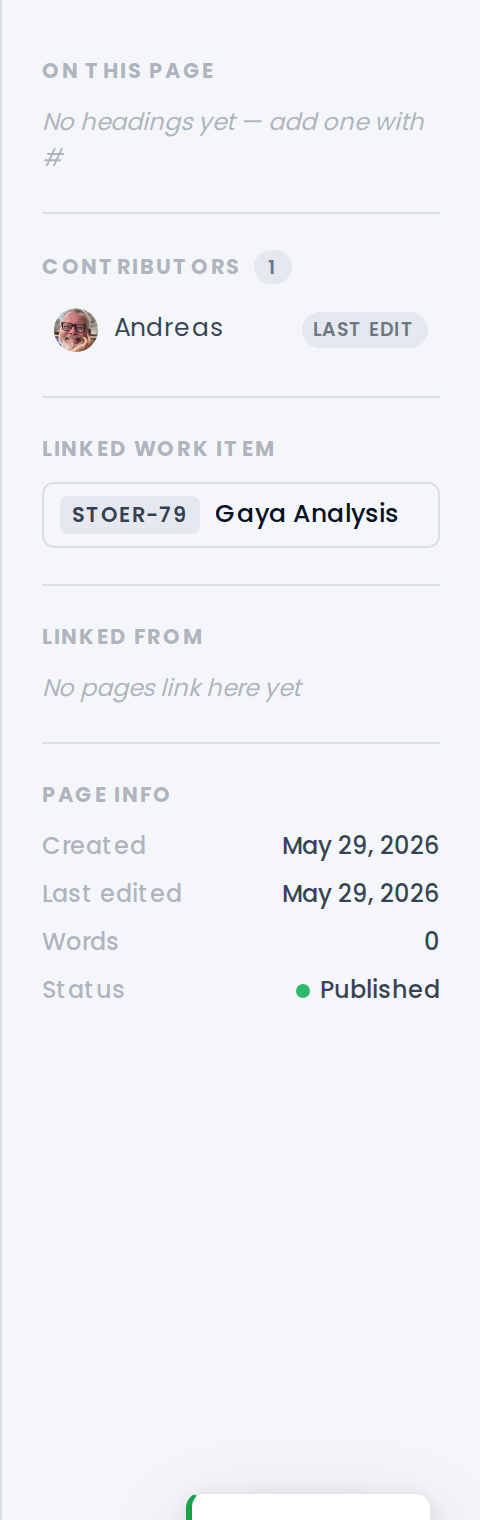
- Two-way links — a page knows the work item it documents, and vice-versa.
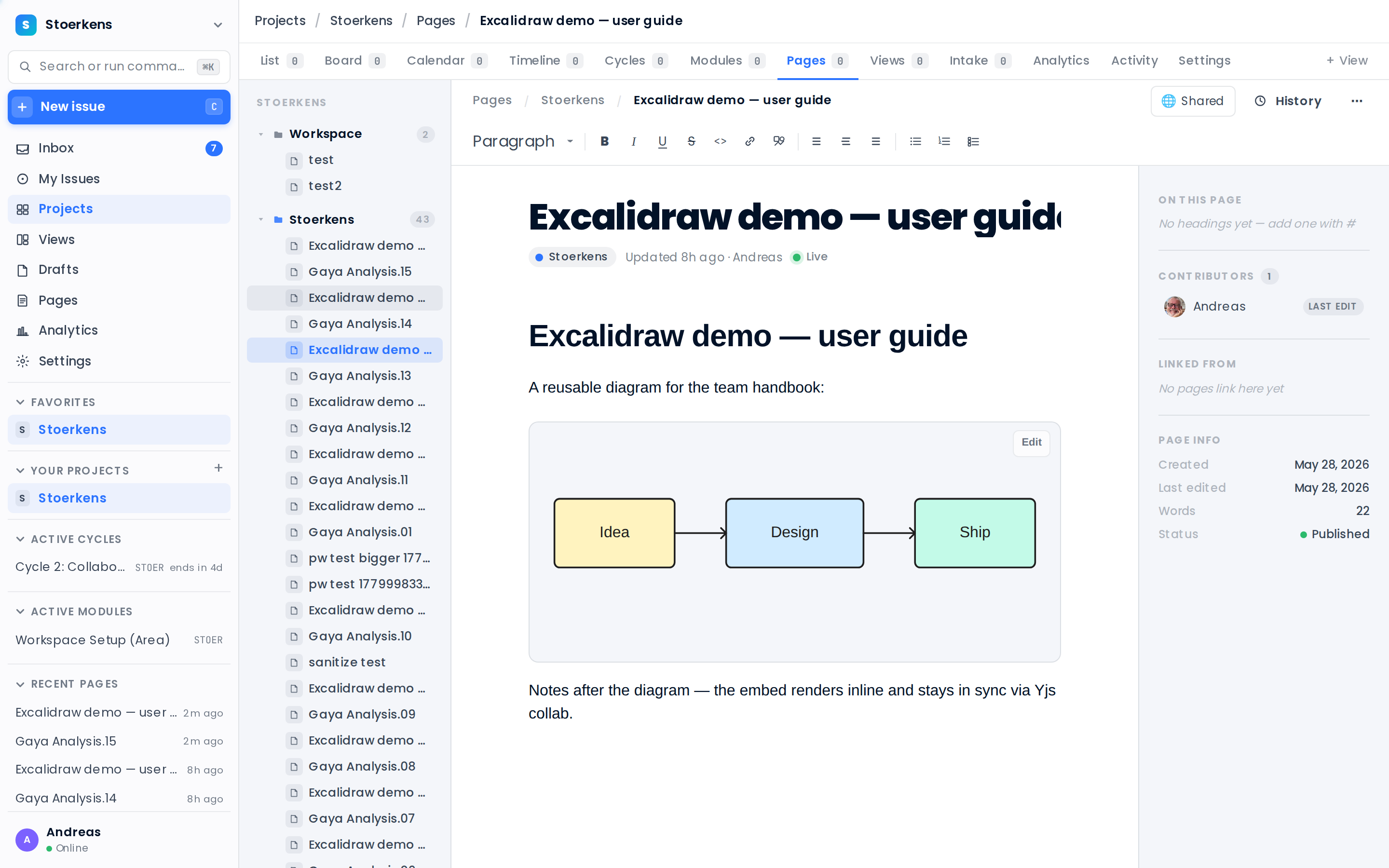
Everyone on the same page — live
- Realtime everywhere — comments, properties and boards update without a refresh.
- Threaded comments + @mentions on every work item, with activity history.
- Diagrams inline — Excalidraw boards embedded right in your pages.
Onboard clients on autopilot
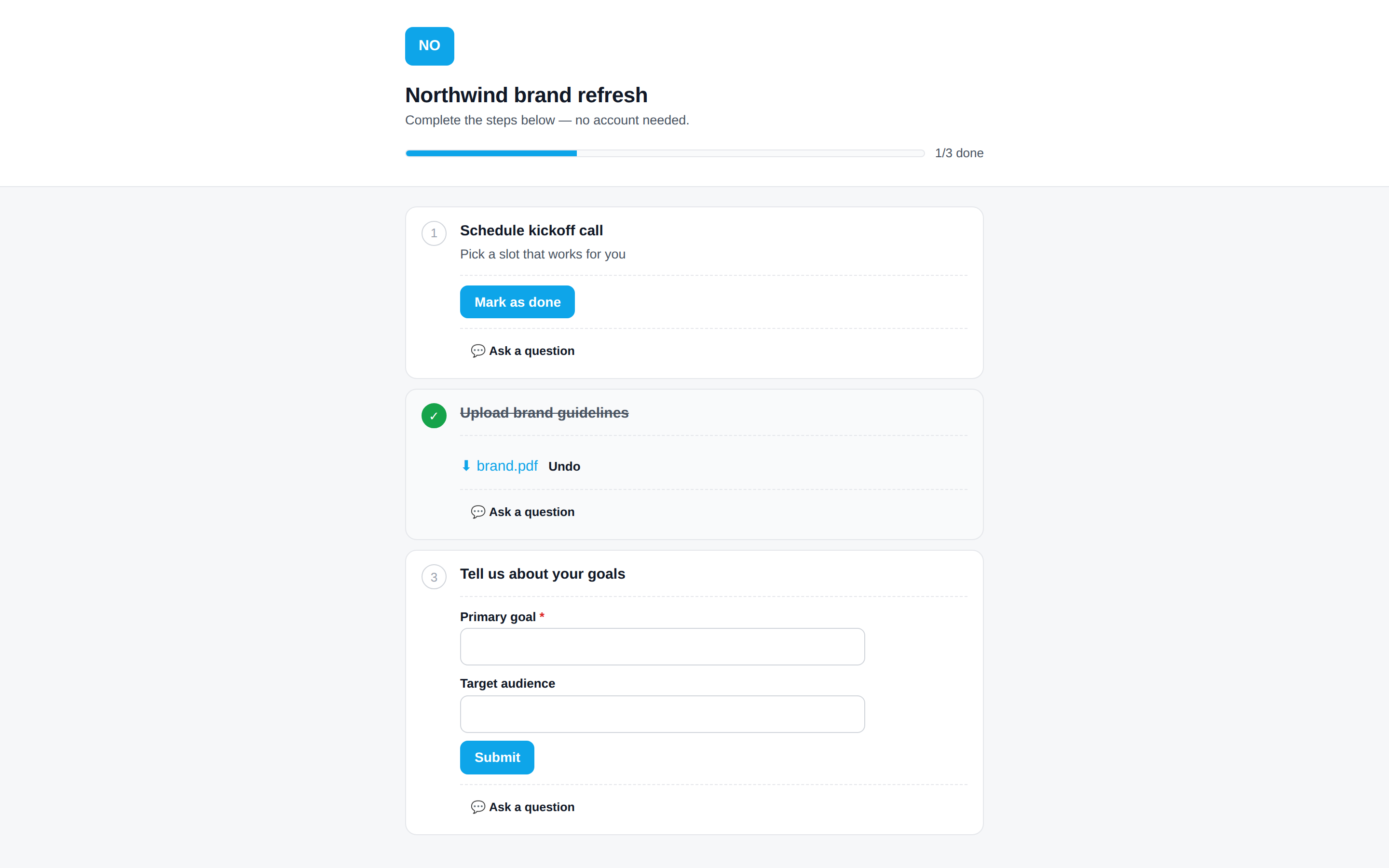
- Templates → projects — reusable step playbooks spin up a client onboarding in a click.
- Magic-link, no account — clients complete steps, upload files and e-sign from one link.
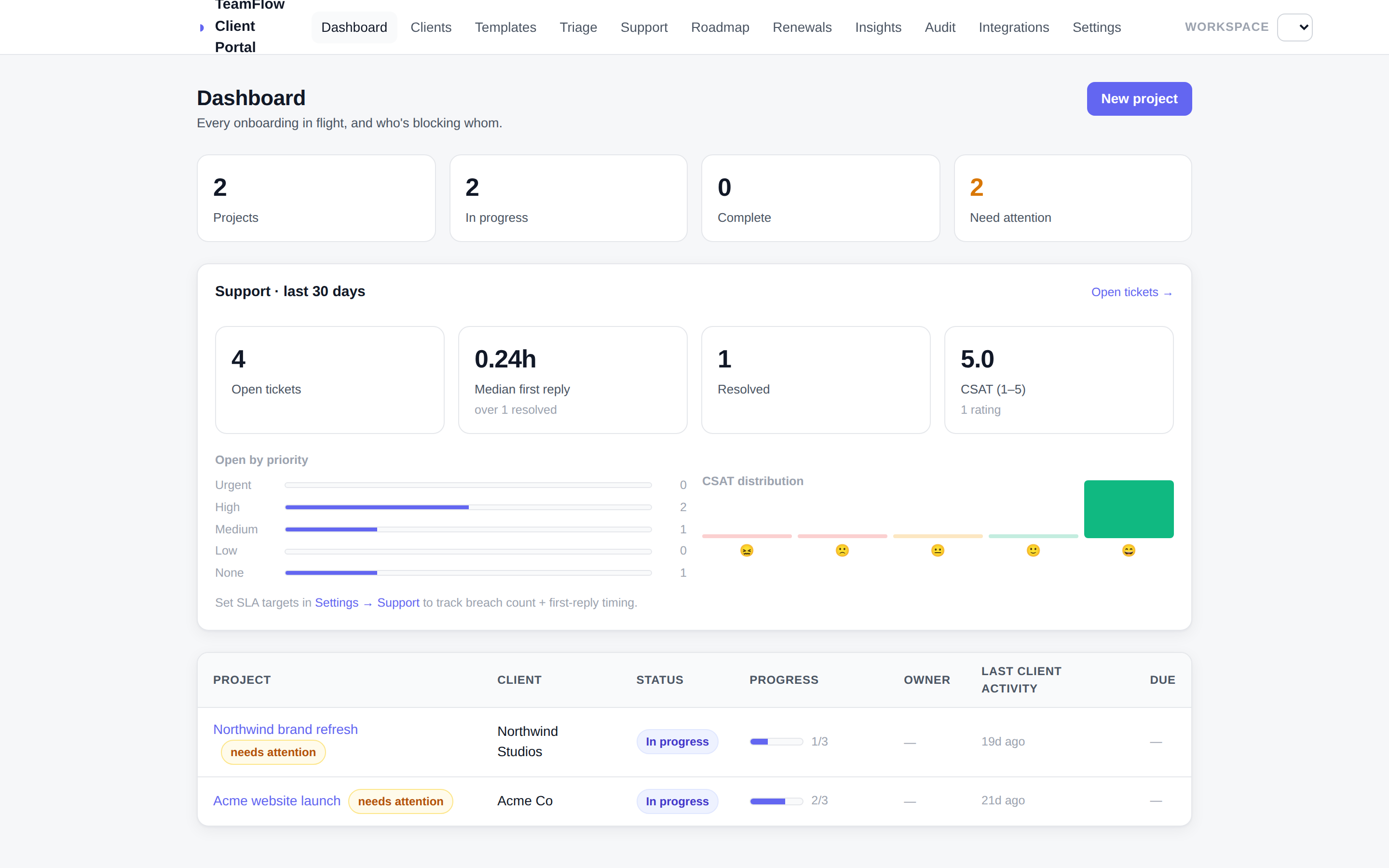
- You see everything in flight — and exactly who's blocking whom.
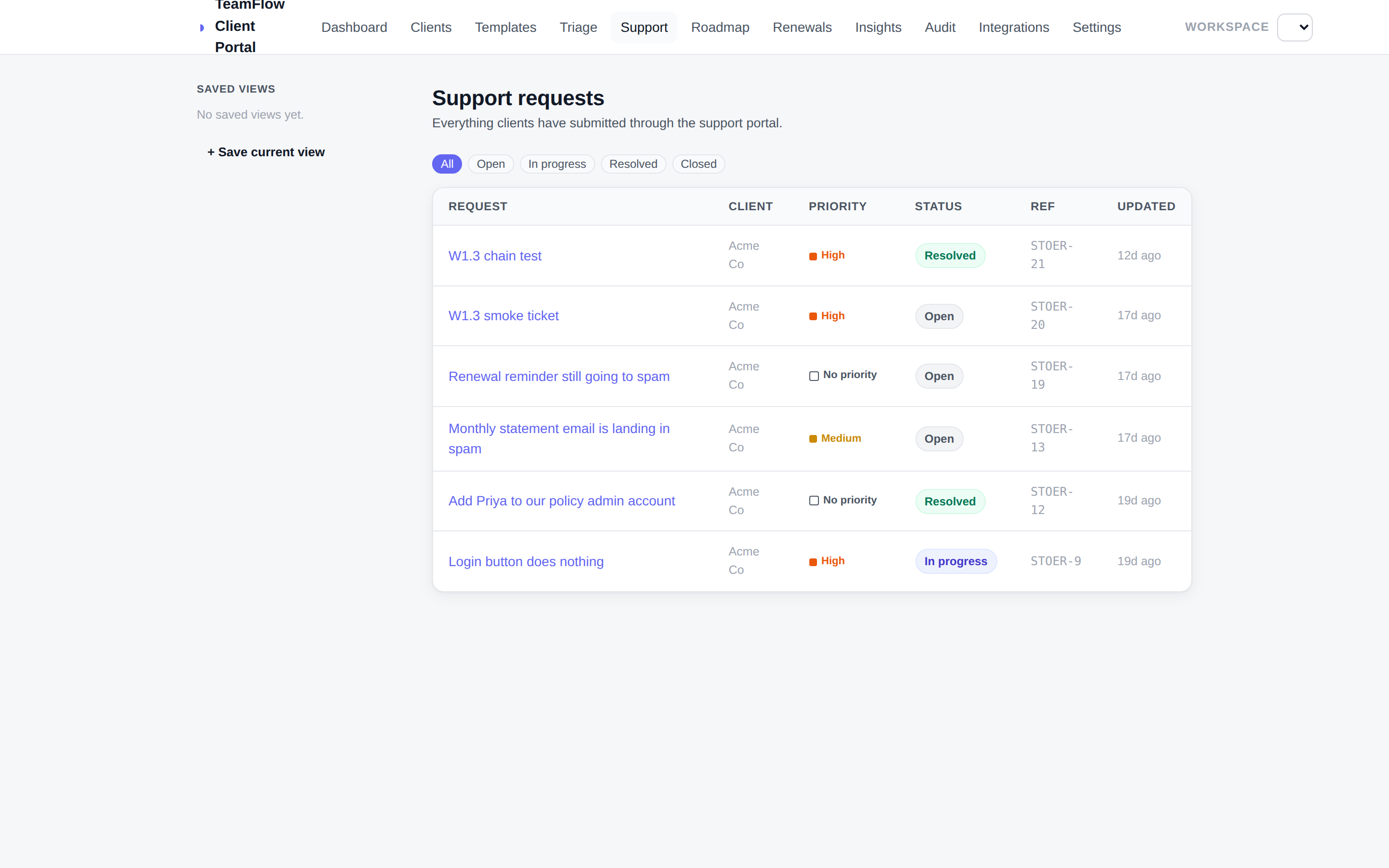
A branded help desk that maps to work
- Clients file & track requests — a clean, white-label support portal.
- Tickets become work items — operators triage in TeamFlow; replies sync back.
- SLAs, CSAT & structured intake built in.
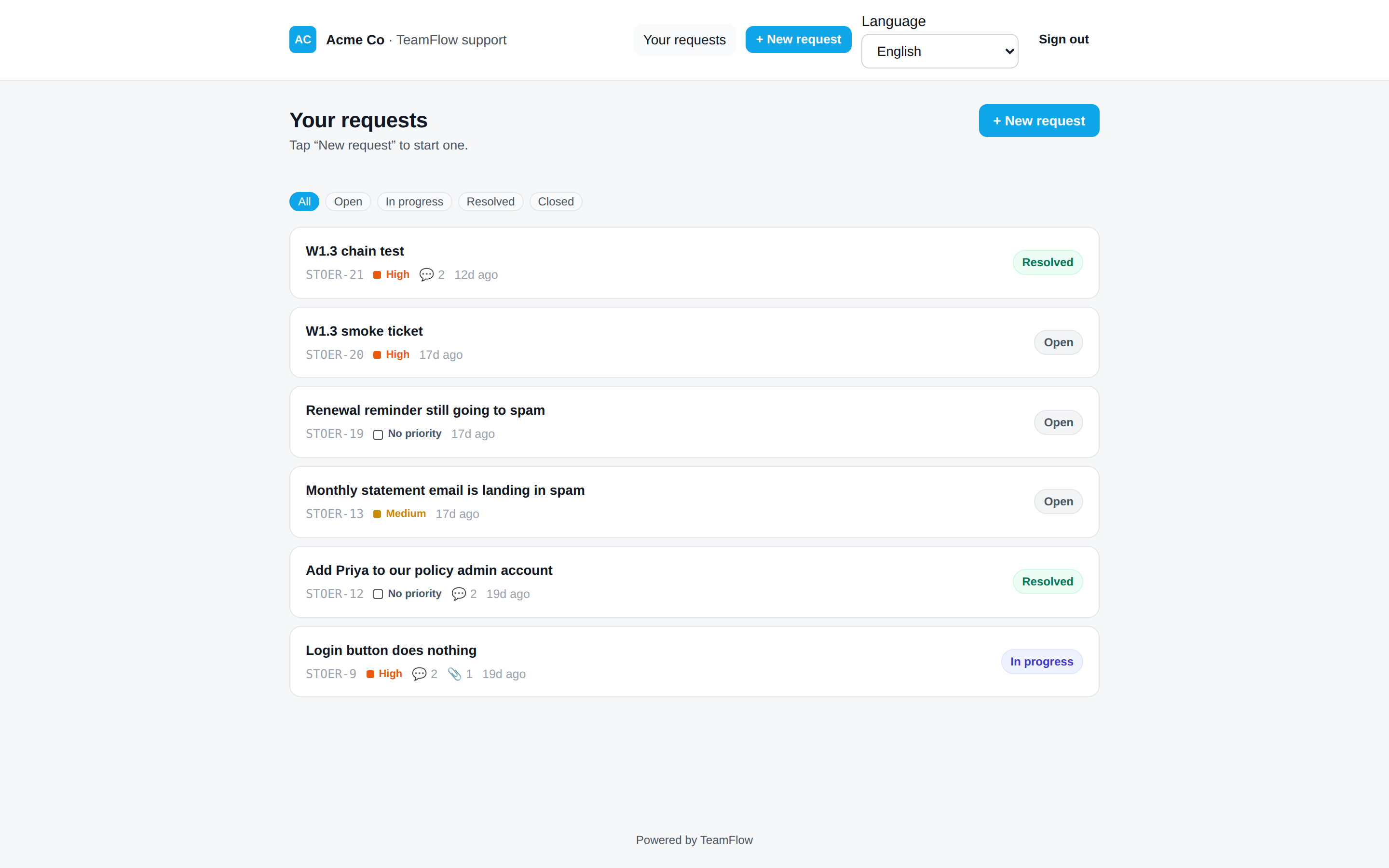
The portal, in their pocket
- Responsive by default — the onboarding and support portals work on any phone.
- Complete steps & reply on the go — uploads, approvals and messages, mobile-first.
- Push-ready — web push keeps clients moving.